Most colleges and universities already have the kit they need to start with augmented reality in education. It is in the tablets in the library, the laptops on trolleys and the phone in almost every student's pocket. Yet AR often gets filed alongside expensive headsets as too technical or something for later. It does not have to be. This guide is for curriculum leads and digital learning managers who want practical, low-cost ways to use AR this term. If you want the bigger picture first, our article on how XR is transforming education in the UK covers the wider trends. This one is about getting started.
What augmented reality in education actually means
If you are asking what augmented reality or AR is, the short answer is this: AR places digital content on top of the real world, viewed through the camera of a phone or tablet. Point a device at a page, a bench or a classroom wall, and a 3D model, label, video or animation appears in place, anchored to what is really there.
AR usually works in one of two ways:
- Marker-based AR is triggered by a printed image, such as a worksheet, poster or textbook page.
- Markerless AR detects flat surfaces like a desk or floor, so students can place and walk around a 3D object.
Either kind can be delivered through an app or as WebAR, which runs in an ordinary mobile browser, so students scan a QR code and begin with no app to download. For colleges, that matters. Content that works on devices students already own removes two common barriers: hardware cost and IT setup time. Virtually all recent phones and tablets can run it, though it is worth testing on the oldest devices in your fleet. We like to think of it as turning almost any phone into a pocket lab.
When to use AR or VR in the classroom
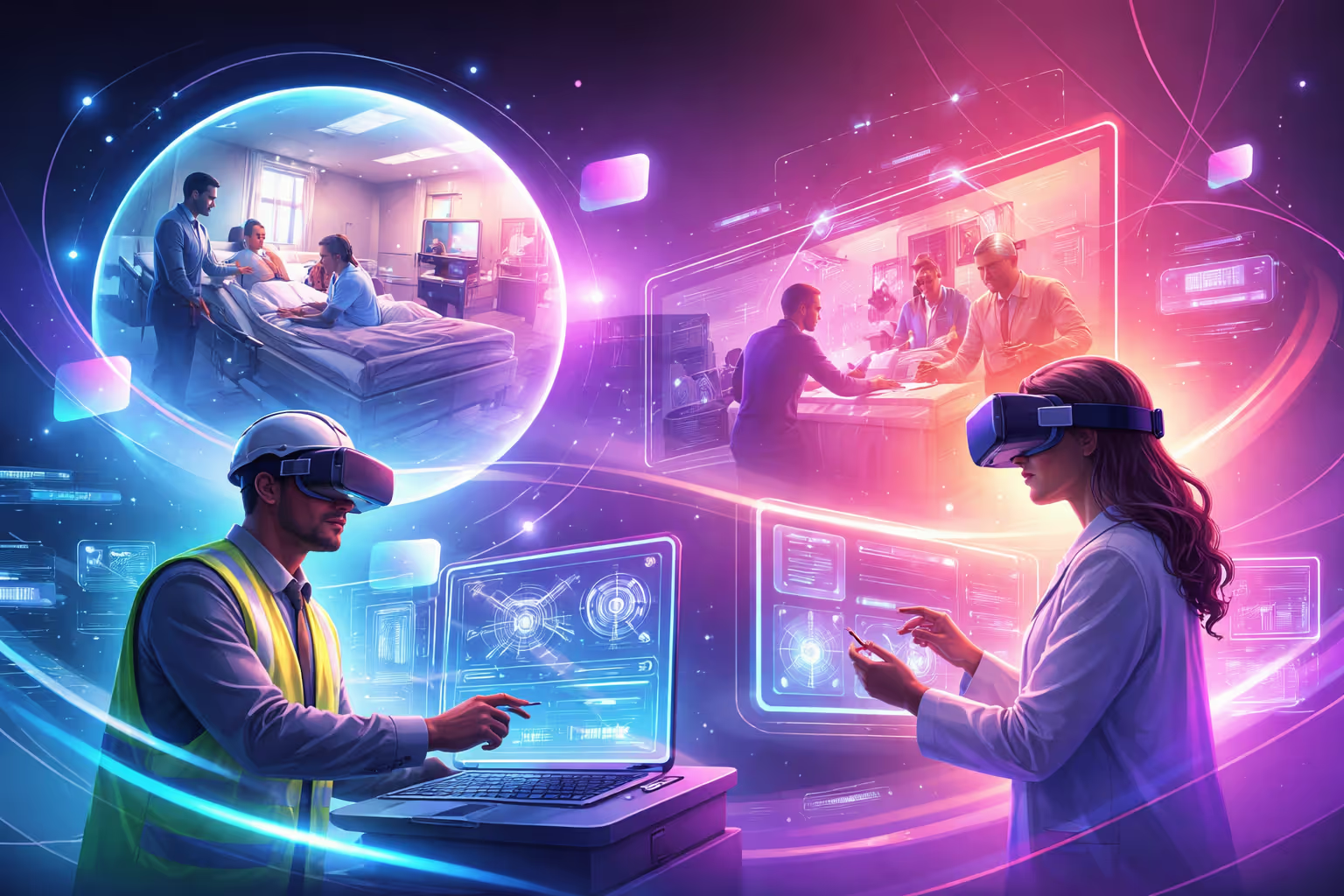
Augmented reality and virtual reality (VR) in education solve different problems, and the best programmes use each where it fits.
AR keeps students in the room. They stay aware of their classmates, the space, and the tutor, which makes it well suited to whole-class teaching, group work and short activities woven into a normal lesson. It runs on shared or personal devices, and a session can start in seconds.
VR takes students somewhere else entirely. A headset replaces the room around them with a fully immersive environment, which is ideal for rehearsing skills in places that are dangerous, expensive or impossible to visit. It needs headsets, supervision and a little more time per learner, and unlike AR, most VR education apps need a headset for every student using them at once. We use VR for exactly this kind of job, such as letting port teams rehearse emergency evacuations they could never safely practise for real.
A simple rule of thumb: use AR when you want to add detail to something students can already see, and VR when you need to put them somewhere they cannot go. The same rule holds whether you are a college, university or a school weighing up VR for schools: start with the learning problem, then choose the best suited technology and solution.
Five practical AR uses
Here is how augmented reality can support teaching across five common education areas.
1. Health and social care
Students can place a life-size 3D skeleton or organ system on the classroom floor and explore it from every angle. AR can also overlay labels on real equipment, such as hoists, sensors and assistive aids, so learners understand what each part does before they use it on placement.
2. Engineering
An engine, gearbox or pump can be shown as an exploded 3D model on the bench, with each component separating out and labelled. Students see how parts fit together before they pick up a spanner, which saves wear on real training equipment.
3. Construction
AR can overlay a model of the pipework and cabling that sits behind a wall, or place a scaled building model on a desk for students to examine in 3D. It is a natural bridge into BIM (building information modelling), the shared 3D models that construction teams now use to plan and manage projects.
4. Science
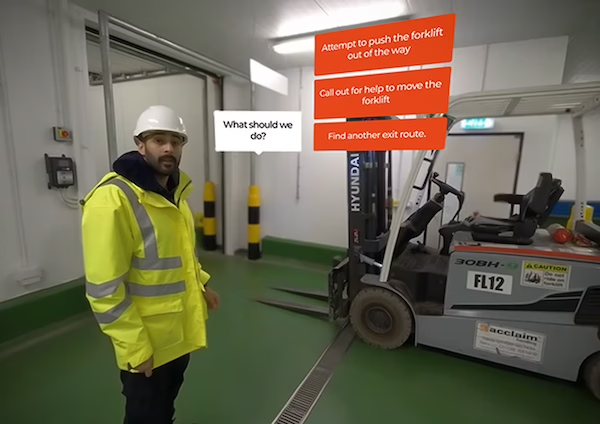
Molecules, cells and forces are hard to picture from a diagram. AR turns them into 3D models students can rotate, scale and pull apart. It also works well for a lab safety walkthrough: students point a tablet at a fume cupboard or Bunsen burner and see the hazards, the correct set-up and the safety steps appear on the real equipment before practical work begins.
5. Creative media
Creative media students can go a step further and build AR themselves. Designing interactive posters, filters or AR portfolio pieces builds skills that apply directly to work in advertising, games and digital marketing.
What East Kent College's VR twin shows about widening access
Some of the best results come when immersive learning removes a physical barrier. East Kent College approached us to create a virtual reality twin of their newly installed Assistive Living Technology suites, so online students could explore the technology remotely.
Working with Automated Spaces, we created a VR exploration in which students view case studies that show how the technology affects end users' outcomes and quality of life.
The results:
- 400% increase in reach
- 0% ongoing resource requirement
- Unlimited access to the experience
The lesson applies just as much to AR. When students can reach content remotely, whenever they need it, a specialist facility stops being a bottleneck. We have taken a similar approach with AR, turning USP College's printed prospectus into an interactive experience that works on any smartphone or tablet. You can explore more of this work on our page for XR solutions for education, or request a demo to see it for yourself.
Getting started without new hardware budgets
You do not need a capital bid to begin. A few practical steps will get your first AR activity into a lesson this term.
- Audit what you already have. Count the tablets, laptops with cameras and student phones available for each group. Many AR activities work well with one device between two or three students.
- Start with one unit, not the whole curriculum. Pick a topic students consistently find hard to visualise, and build one short AR activity around it.
- Check the practicalities. Test Wi-Fi in the rooms you will use, review camera permissions and data handling with your safeguarding and IT teams, and make sure every activity has an accessible alternative.
- Track it properly. AR activities can be launched from SCORM-compliant eLearning packages (SCORM is the standard that lets a course report back to your learning management system, or LMS), so completion and quiz results sit alongside the rest of the course.
- Support your staff. A confident tutor matters more than the technology. Give staff time to try activities themselves and gain confidence using the technology, before they run activities with a class.
"The educational institutions that get the most from AR are the ones that start small and build from there," says Andy Martin, Studio Lead at XR Studios, who has spent more than 12 years in education.
Giving activities a clear and dedicated home in the timetable is also the best defence against what we call VR shelf-ware, and the same applies to AR.
Ready to Bring AR into Your Classroom?
Augmented reality does not need a new or expensive hardware rollout. Start with one topic your learners find hard to picture, and if required, we can help you build that first activity around it. Request a demo now and we will show you what AR can look like for your institution, built around the devices you already have.
Where?
Who Сan Join?
How to Take Part?
Speakers
Countdown to the Event
The clock is ticking! Don’t miss your chance to join us – the event starts soon.
1
Months
1
Days
1
Hours
1
Minutes
1
Seconds